Setup first
Choose a wallet type, verify the official source, create the backup offline, then fund slowly.
Explore hardware wallet hubs, software wallet hubs, recovery phrase categories, comparison guides, setup paths, and wallet-specific support routes across the self-custody ecosystem.
Featured wallet hubs
 PhantomHot wallet
 Atomic WalletHot wallet
 BlueWalletHot wallet
 ElectrumHot wallet
 BitBoxHardware wallet
 KeystoneHardware wallet
Wallet ecosystem navigation
Use /wallets to browse the self-custody ecosystem by wallet type, brand hub, recovery category, comparison guide, and support surface.
Browse Ledger, Trezor, SafePal, KeepKey, BitBox, Keystone, and other device support paths.
Browse directory pathExplore MetaMask, Trust Wallet, Exodus, Phantom, Coinbase Wallet, and mobile or browser wallet help.
Browse directory pathBrowse recovery phrase basics, lost phrase guidance, storage help, and backup safety pages.
Browse directory pathCompare wallet ecosystems, device workflows, app custody models, and beginner setup choices.
Browse directory pathFind fake support, cloned app, malicious approval, and recovery phrase warning resources.
Browse directory pathUse the issue triage hub when the wallet symptom matters more than the wallet brand.
Browse directory pathCommon wallet issues
Use these maintained support paths to move from a symptom to the right setup, recovery, troubleshooting, or security help without sharing private wallet data.
Related problems
If this page is close but not exact, check these nearby support topics so the next step matches the failure pattern.
Check cable, app, browser permissions, firmware state, and official support instructions.
Open helpReview how wallet backups work before restoring or updating a wallet.
Open helpCompare Ledger, Trezor, and other hardware wallet workflows.
Open helpOfficial wallet support should never ask for your recovery phrase, seed phrase, private keys, PIN, wallet backup, screen sharing, or remote access. Verify downloads, QR tools, and update prompts on the official wallet site before acting.
Wallet brand support hubs
Choose the wallet ecosystem you are using, then move into setup help, recovery help, support topics, official-source checks, and brand-specific troubleshooting routes.
Physical devices can keep private keys offline, but the backup phrase and update path still need careful handling.
Hot wallets are convenient for everyday access, approvals, and mobile use, but they need stronger phishing and fake-app discipline.
Wallet categories
Hardware, hot, cold, paper, recovery, comparison, and setup categories stay separated so crawlers and users can understand the wallet ecosystem hierarchy.
Physical devices for offline crypto storage.
Explore WalletInternet-connected mobile, desktop, and browser wallets for everyday use.
Explore WalletOffline wallet options for long-term holding.
Explore WalletPrinted or written key storage explained simply.
Explore WalletHelp for understanding how 12-word and 24-word recovery phrases affect wallet recovery.
Explore WalletCompare popular wallets before choosing.
Explore WalletSupport ecosystem
The directory keeps setup, recovery, updates, comparisons, and scam warnings connected without making every route behave like the homepage.
Choose a wallet type, verify the official source, create the backup offline, then fund slowly.
Understand what the recovery phrase controls before restoring, importing, resetting, or replacing a device.
Treat firmware prompts, browser extensions, mobile apps, and downloads as security-sensitive actions.
Pause before approvals, support chats, search ads, token airdrops, and any request for seed words.
Keep seed words offline and away from forms, chats, screenshots, cloud notes, and fake restore pages.
View Wallet HelpPrepare backups, verify official apps, and avoid cloned firmware prompts before updating a device.
View Wallet HelpSpot fake support accounts, fake apps, malicious approvals, recovery services, and lookalike domains.
View Wallet HelpSeparate sync, network, restore, token visibility, connection, and transaction display issues.
View Wallet HelpWallet directory cards
Wallet cards are the deeper directory layer: brand overview, support routes, issue reporting, and official-source access stay grouped by ecosystem.
 Hardware wallet
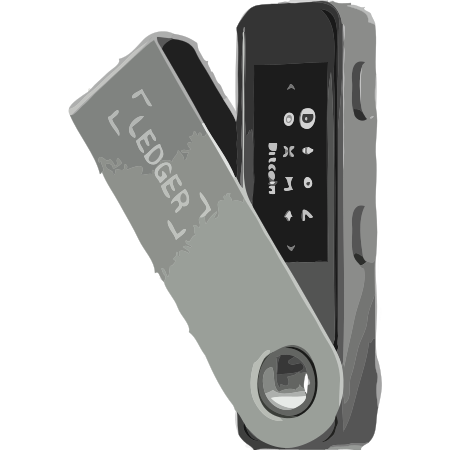
Ledger wallet support help for setup, recovery phrase safety, firmware updates, connection issues, and wallet access troubleshooting.
 Hardware wallet
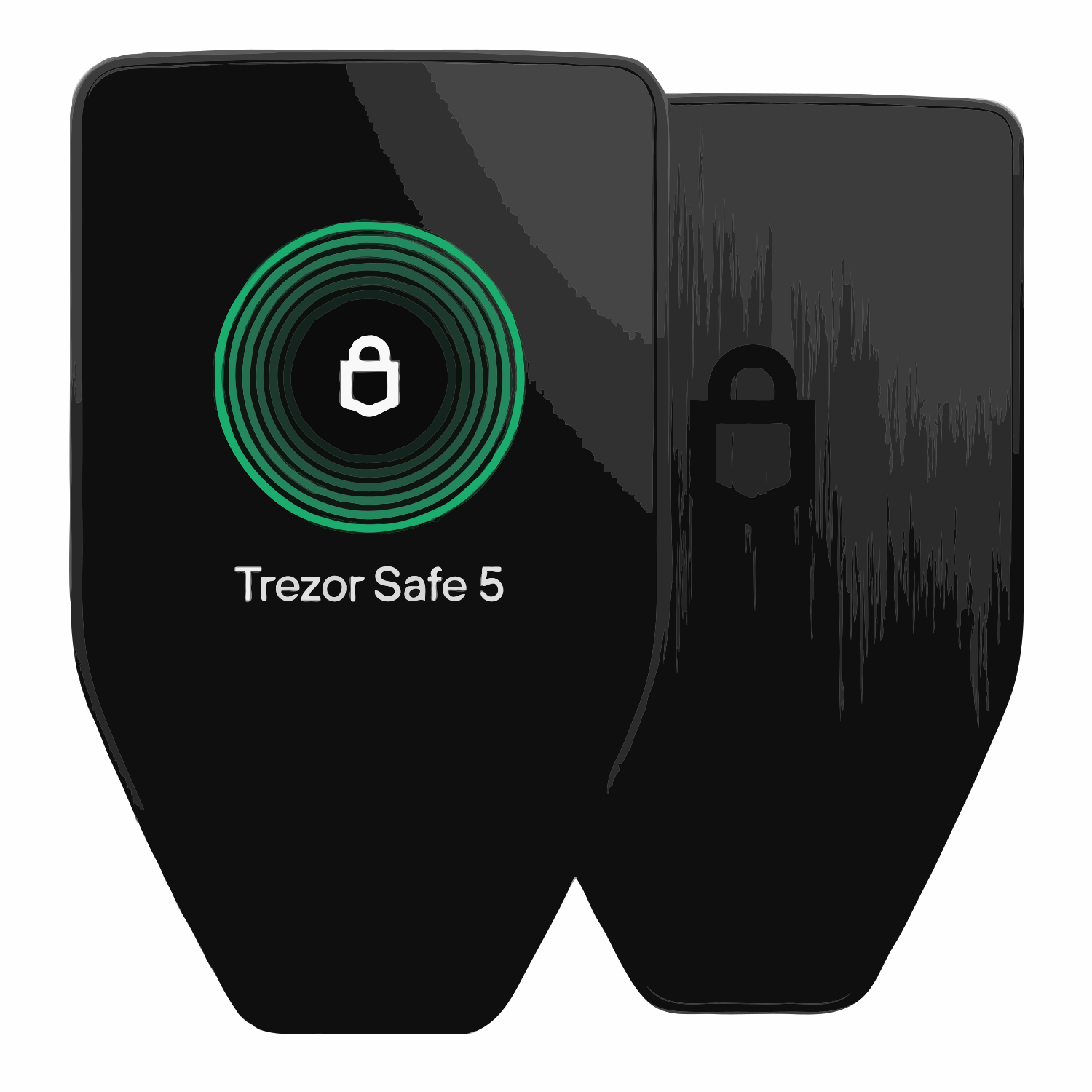
Trezor wallet support help for Suite not connecting, device detection, balance not showing, firmware checks, hidden wallet context, and recovery phrase safety.
 Hardware wallet
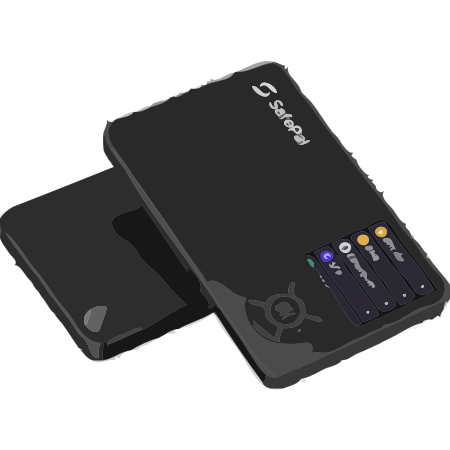
SafePal wallet support help for setup, recovery phrase issues, firmware updates, app pairing, and wallet access troubleshooting.
 Hardware wallet
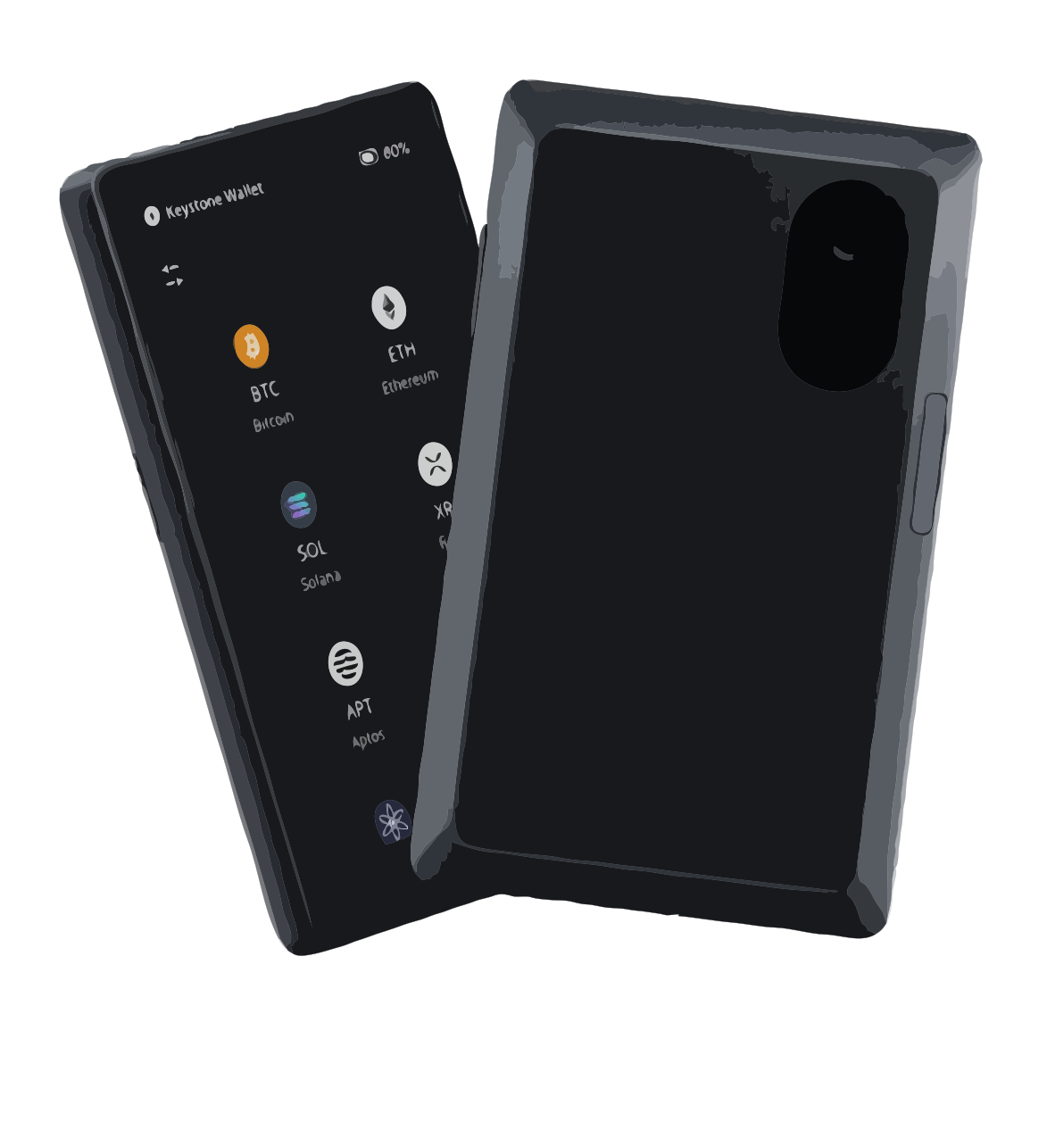
Keystone wallet support help for QR signing, companion app pairing, firmware update behavior, recovery phrase safety, balance visibility, and wallet access issues.
Ellipal wallet support help for air-gapped QR signing, ELLIPAL App pairing, firmware update behavior, recovery phrase safety, balance visibility, and fake support warnings.
Wallet support
Ellipal
Setup, recovery, app, and firmware help.
 Hardware wallet
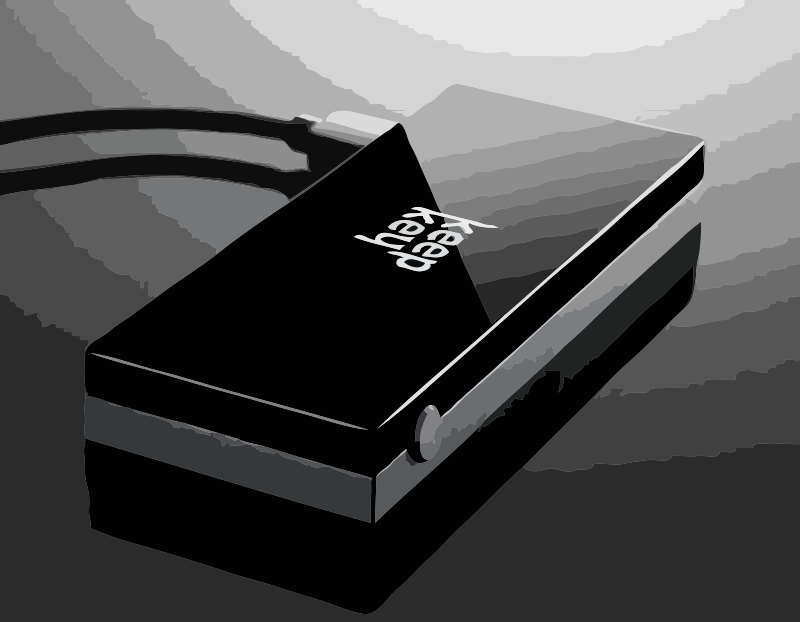
KeepKey wallet support for setup help, recovery help, connection troubleshooting, recovery phrase safety, and security help.
 Hot wallet
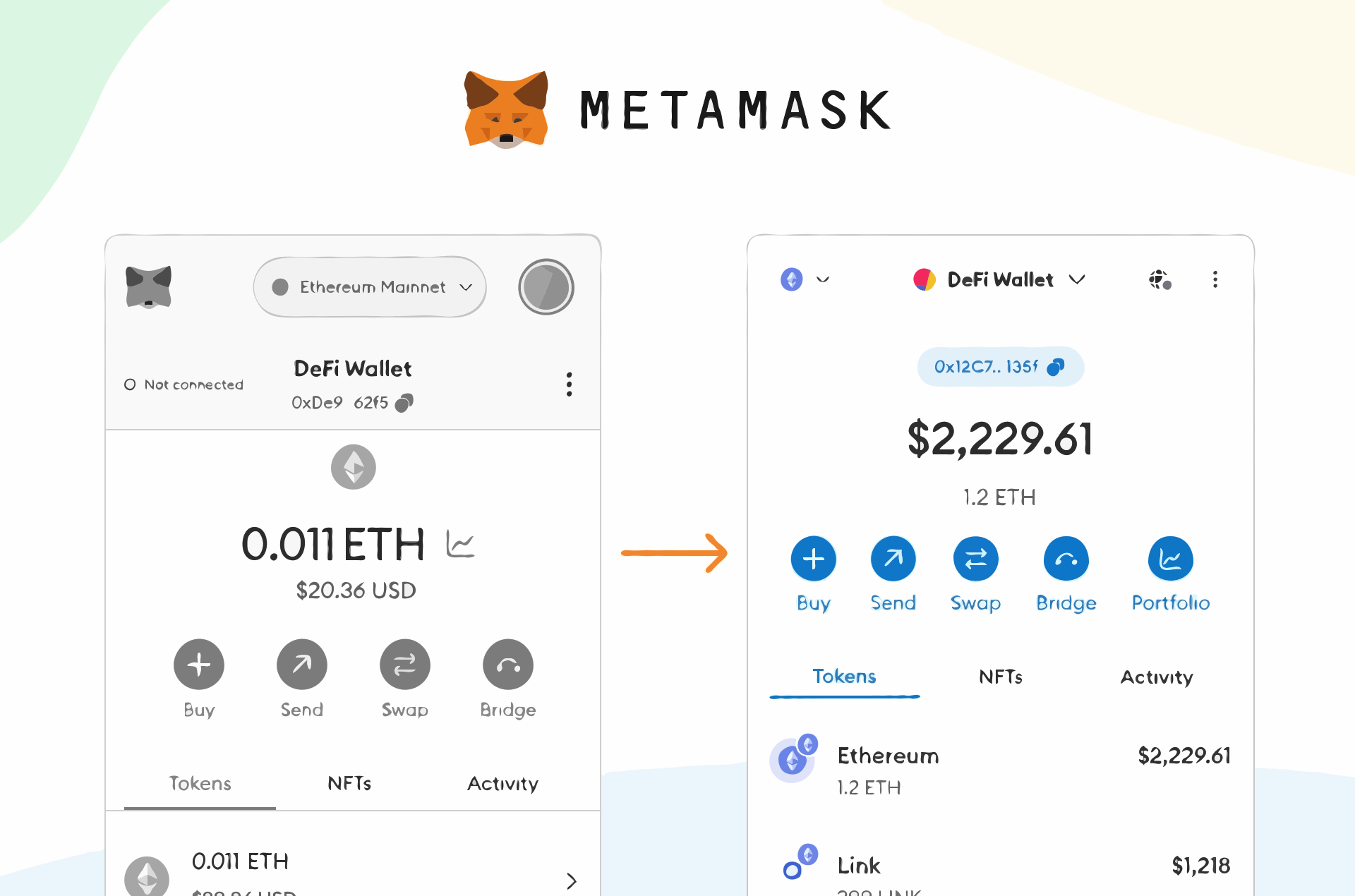
MetaMask wallet support for extension problems, login access, account discovery, balance not showing, token visibility, connected-site issues, and recovery phrase safety.
 Hot wallet
Trust Wallet support for mobile app issues, balance missing, restore mismatch, token visibility, wallet access, official app checks, and recovery phrase safety.
 Hot wallet
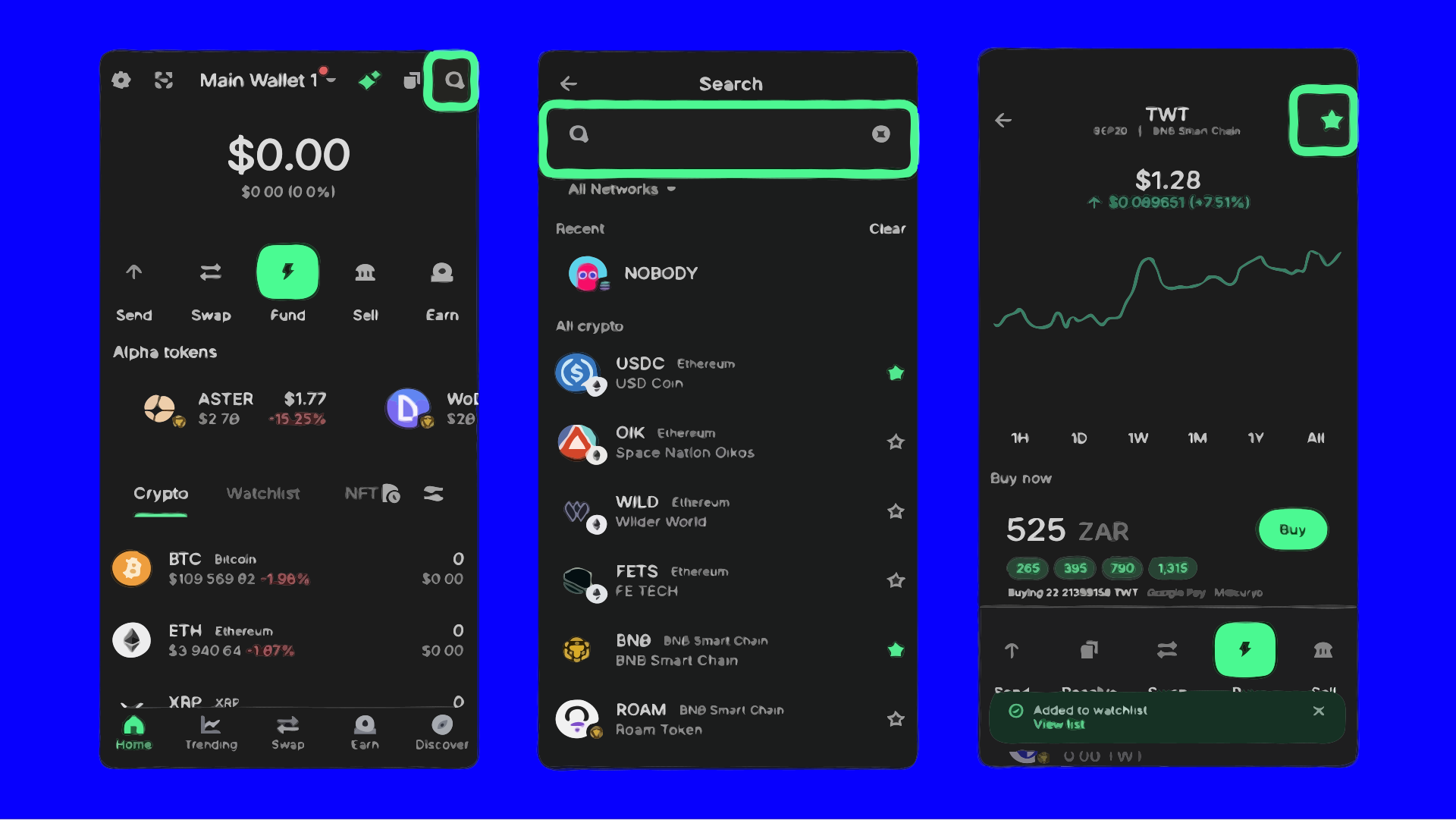
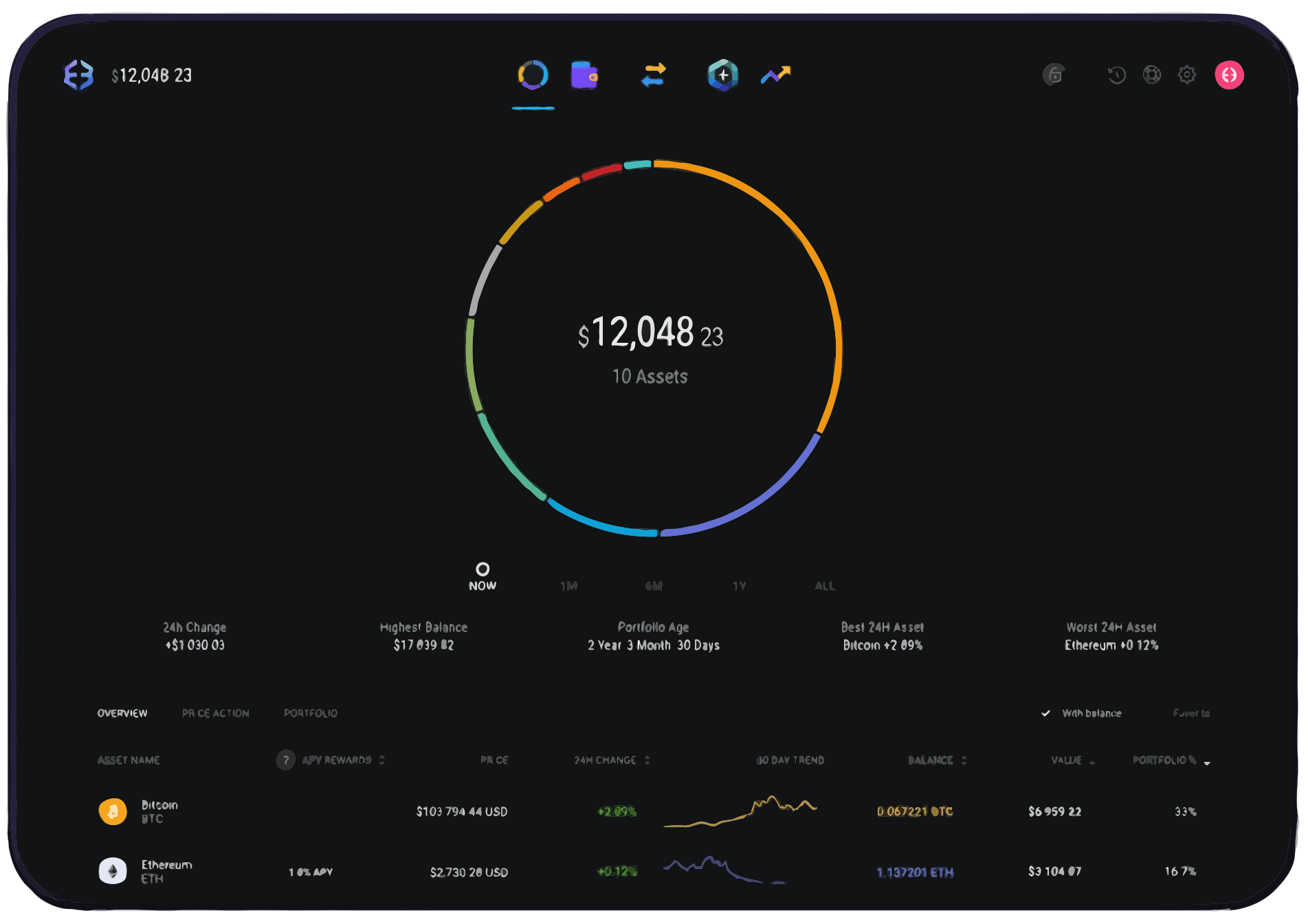
Exodus wallet support for setup help, recovery help, sync troubleshooting, app updates, and wallet access issues.
 Hot wallet
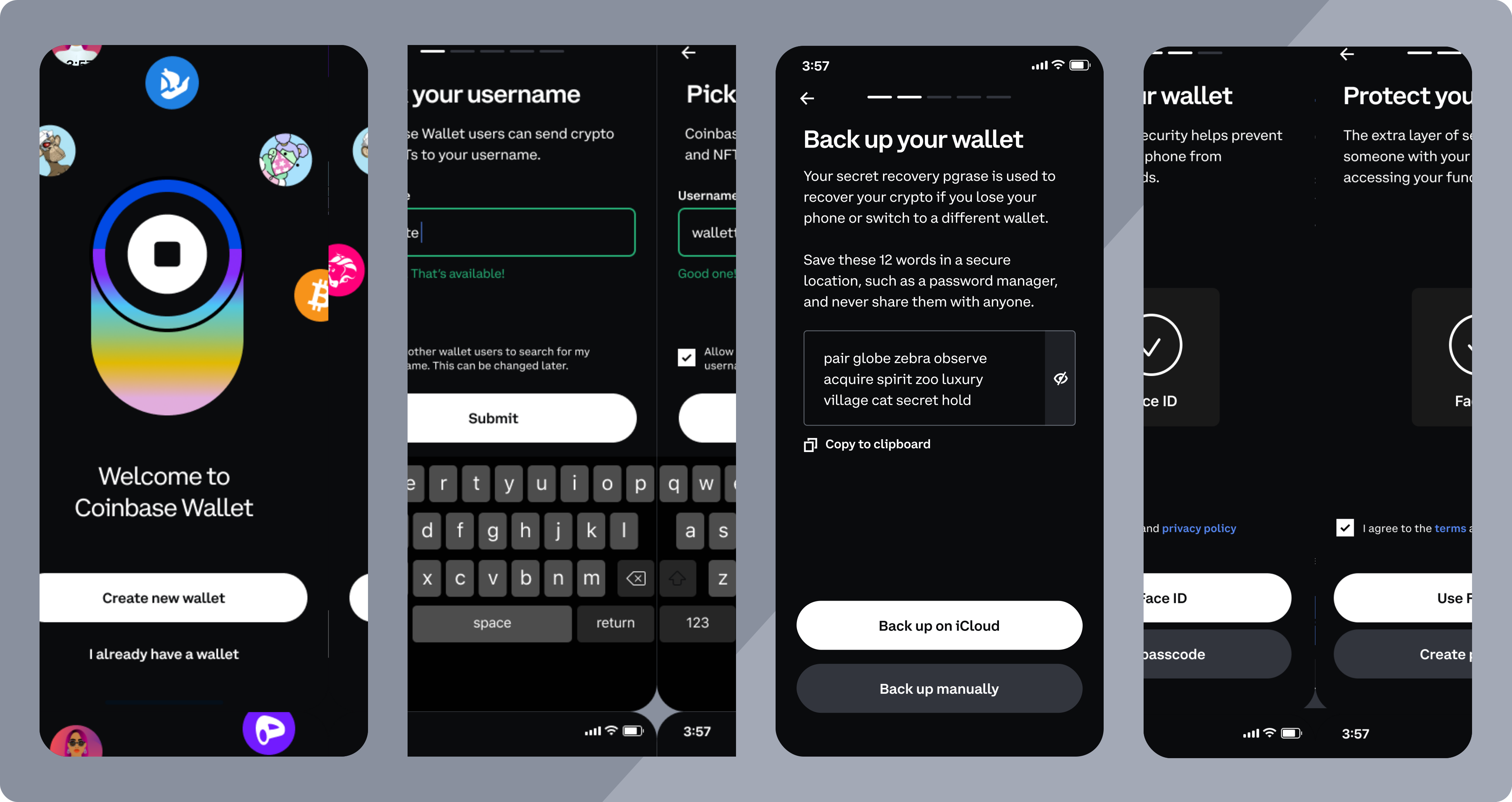
Coinbase Wallet support for setup help, recovery phrase questions, wallet access issues, network troubleshooting, and token display help.
 Hot wallet
Gemini wallet support for app and browser access, login issues, balance display, token visibility, restore questions, account security, and phishing safety.
 Hardware wallet
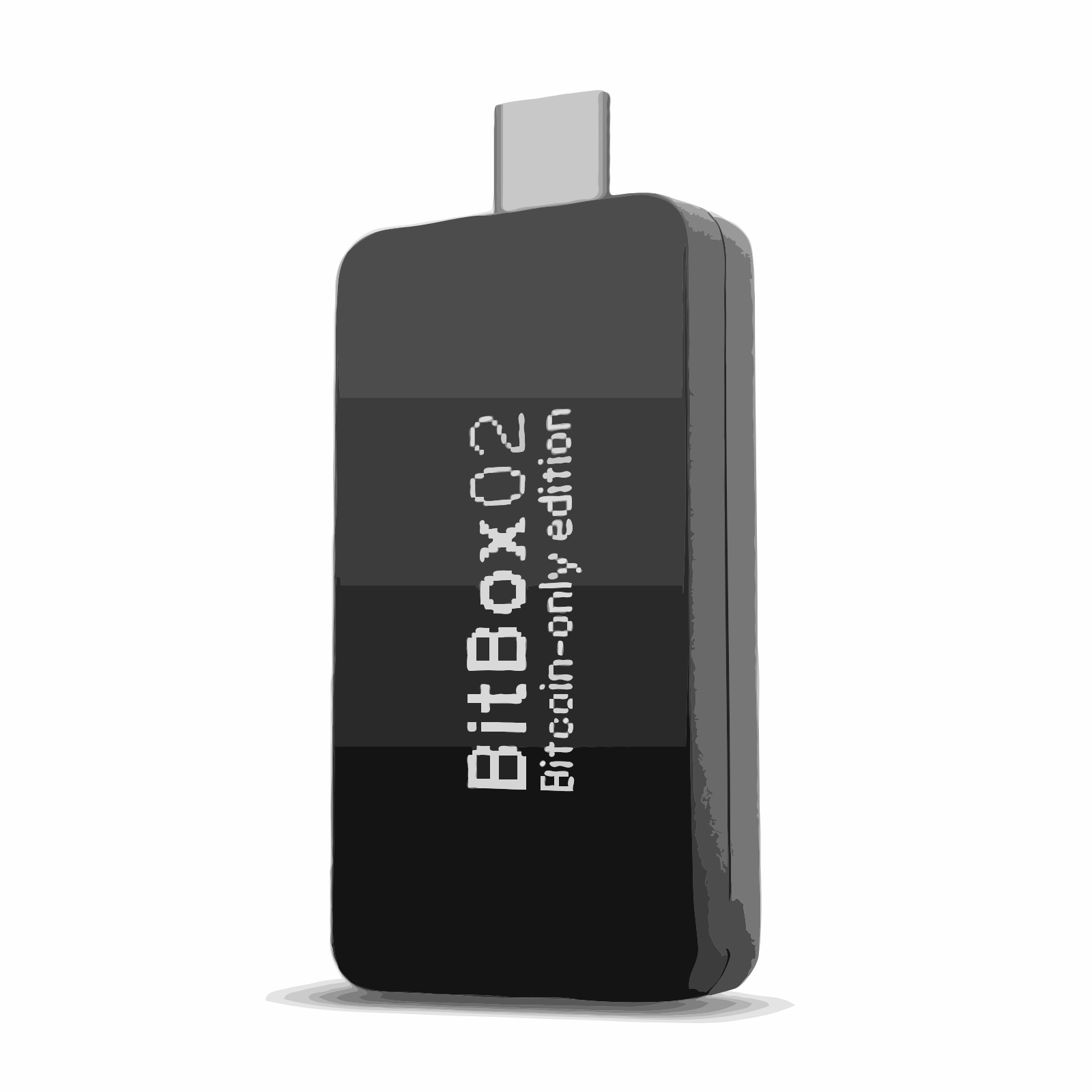
BitBox wallet support help for BitBoxApp setup, recovery phrase safety, firmware update behavior, USB detection, balance visibility, and wallet access issues.
 Hardware wallet
Cypherock wallet support help for setup, backup safety, recovery help, firmware checks, and wallet troubleshooting.
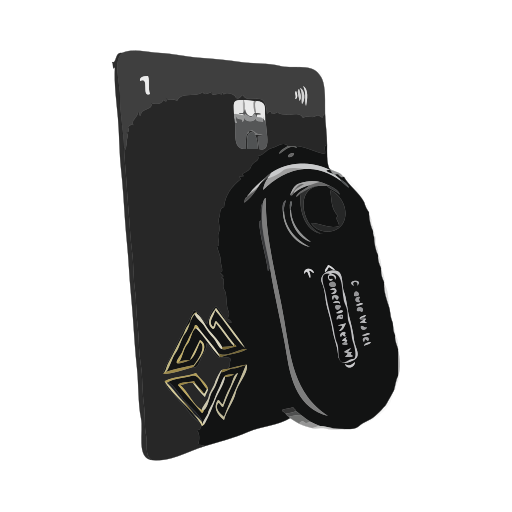
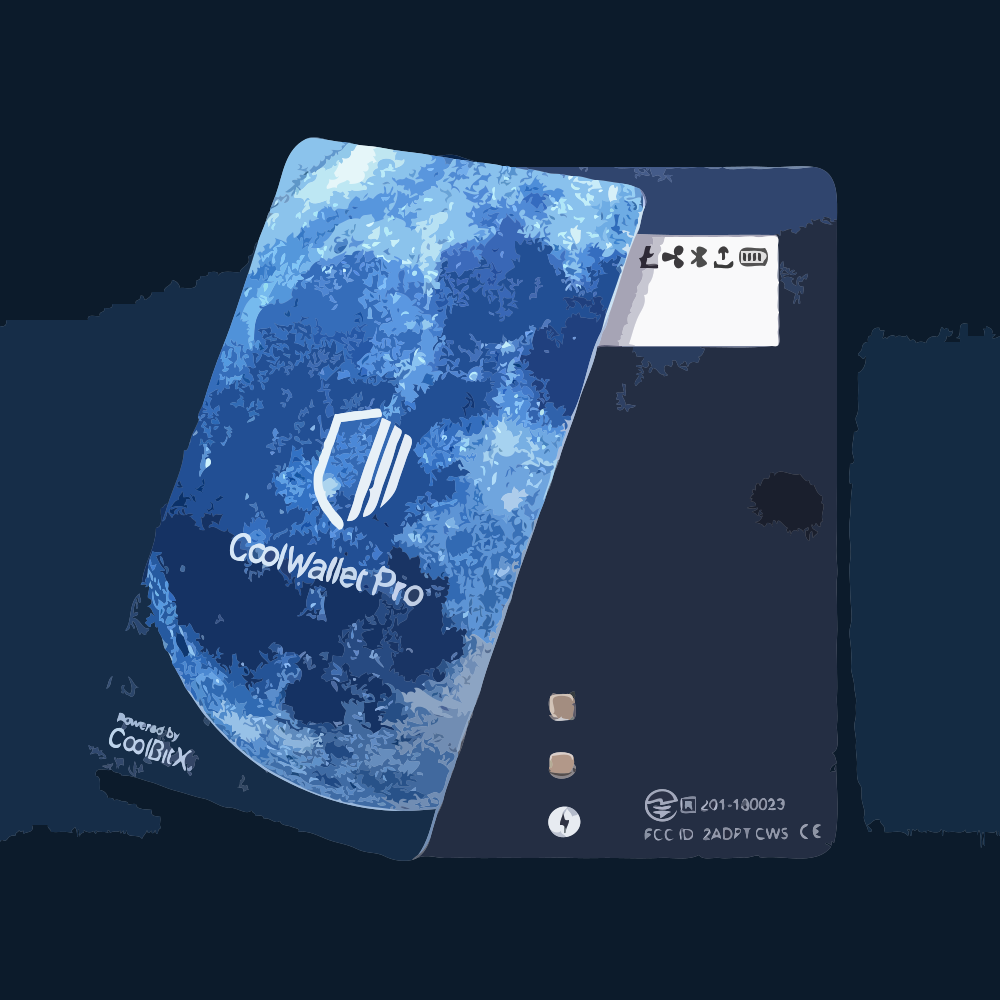
 Hardware wallet
CoolWallet support help for setup, recovery phrase safety, app pairing, wallet connection issues, and troubleshooting.
 Hardware wallet
Coinkite wallet support help for setup, recovery help, offline signing, firmware safety, and wallet troubleshooting.
Coldcard wallet support help for Bitcoin hardware wallet troubleshooting, PSBT signing, microSD workflows, firmware updates, wallet detection, balance visibility, and recovery phrase safety.
Wallet support
Coldcard
Setup, recovery, app, and firmware help.
Blockstream Jade support help for Bitcoin hardware wallet troubleshooting, QR signing, USB and Bluetooth connection issues, firmware updates, balance visibility, and recovery phrase safety.
Wallet support
Blockstream Jade
Setup, recovery, app, and firmware help.
OneKey support help for hardware wallet troubleshooting, Bluetooth and USB connection problems, firmware updates, wallet detection, balance visibility, and recovery phrase safety.
Wallet support
OneKey
Setup, recovery, app, and firmware help.
D'CENT support help for biometric hardware wallet troubleshooting, Bluetooth and mobile connection issues, firmware updates, wallet detection, balance visibility, and recovery phrase safety.
Wallet support
D'CENT
Setup, recovery, app, and firmware help.
 Hardware wallet
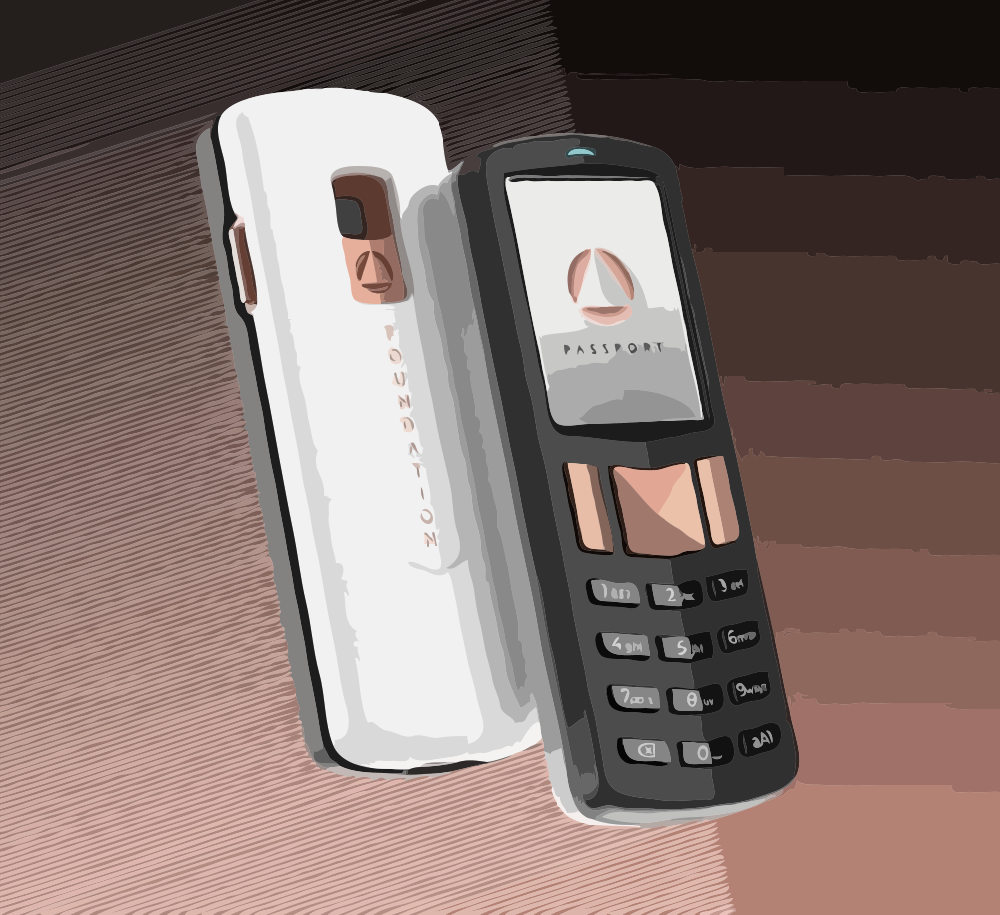
Foundation wallet support help for setup, recovery help, firmware checks, backup safety, and wallet troubleshooting.
 Bitcoin hardware wallet
Foundation Passport support help for Bitcoin wallet setup, Envoy app pairing, QR signing, firmware updates, balance visibility, and recovery phrase safety.

 Hardware wallet
Tangem Support for NFC card scanning problems, mobile app connection issues, firmware update problems, balance visibility, recovery help, and fake Tangem support warnings.

Arculus support help for NFC card wallet troubleshooting, mobile app card scan problems, firmware/update issues, wallet detection, balance visibility, recovery phrase safety, and fake Arculus support warnings.
Wallet support
Arculus
Setup, recovery, app, and firmware help.
SecuX support help for Bluetooth hardware wallet troubleshooting, mobile and desktop connection issues, firmware updates, wallet detection, balance visibility, recovery phrase safety, and fake SecuX support warnings.
Wallet support
SecuX
Setup, recovery, app, and firmware help.
BC Vault support help for hardware wallet troubleshooting, encrypted backup problems, firmware updates, wallet detection, balance visibility, recovery and backup safety, and fake BC Vault support warnings.
Wallet support
BC Vault
Setup, recovery, app, and firmware help.
 Hardware wallet
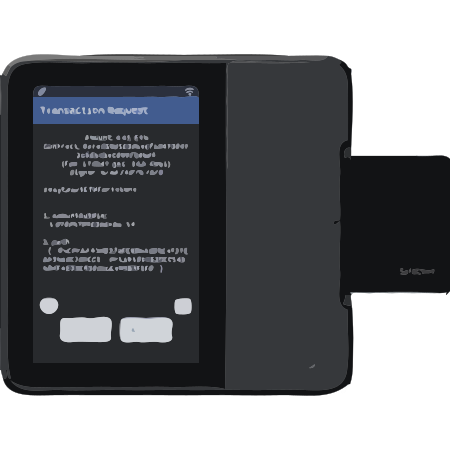
GridPlus wallet support help for setup, transaction approval troubleshooting, recovery safety, and wallet access issues.
 Hardware wallet
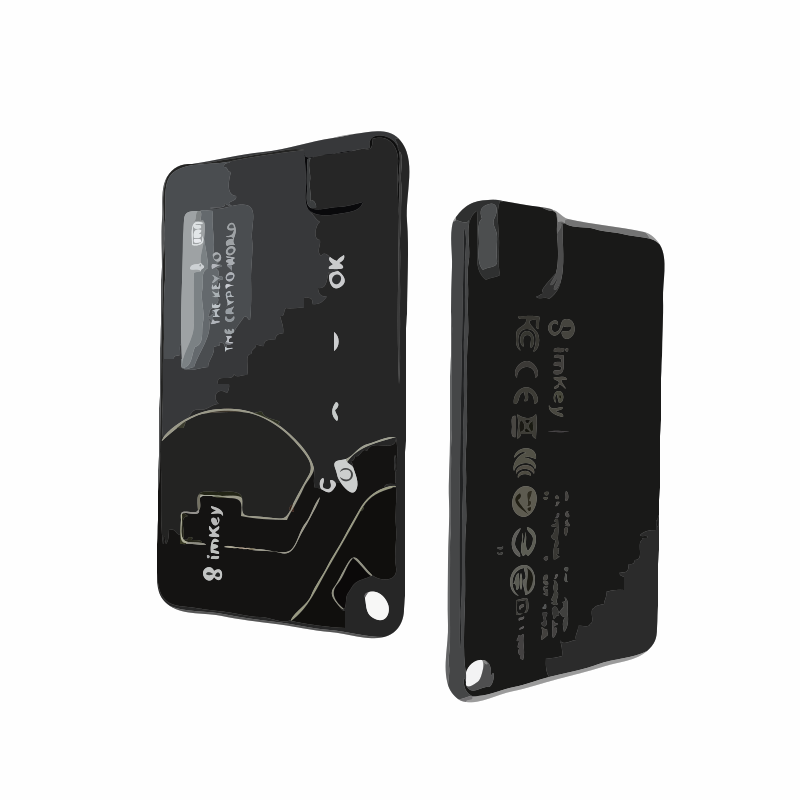
imKey wallet support help for setup, recovery phrase safety, app troubleshooting, firmware help, and access issues.
 Hot wallet
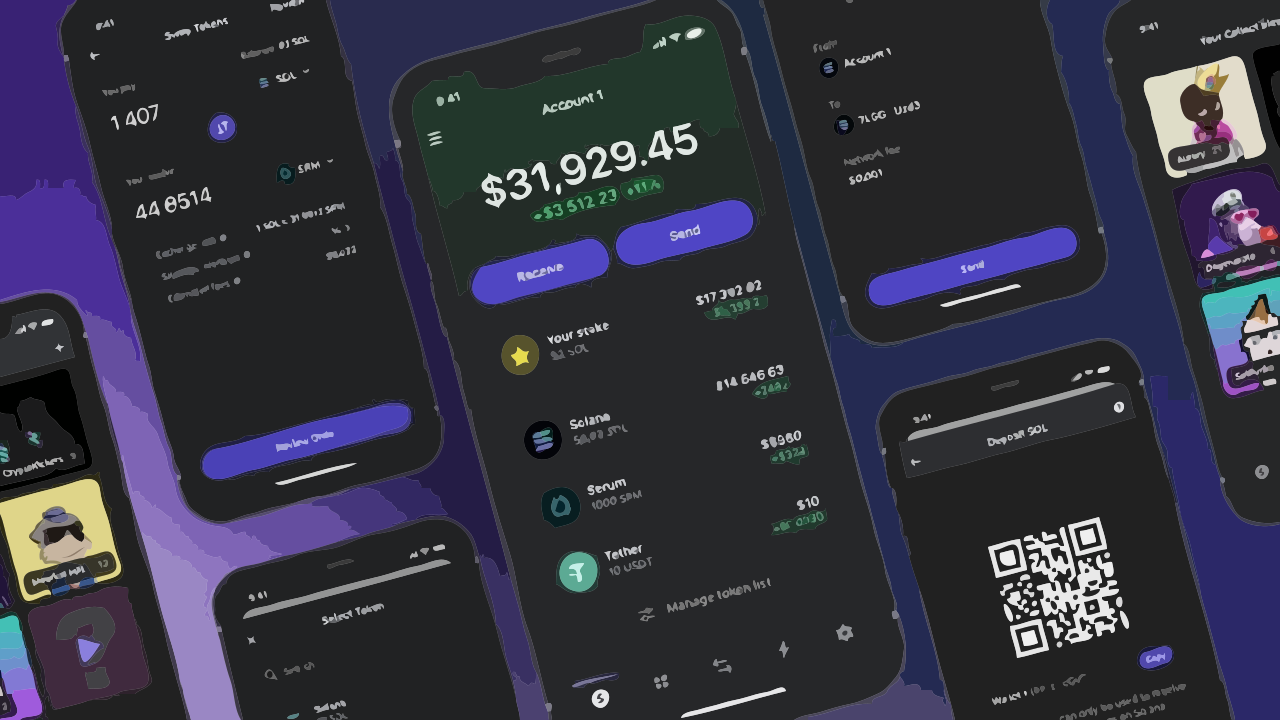
Phantom wallet support for Solana balance display, extension conflicts, mobile app access, restore mismatch, connected apps, and recovery phrase safety.
 Hot wallet
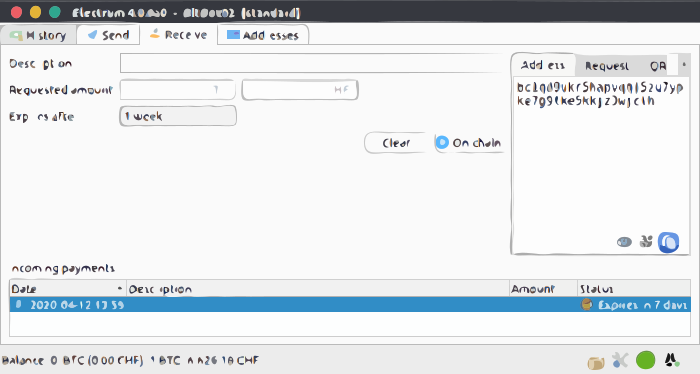
Electrum wallet support for desktop startup problems, server connection issues, Bitcoin sync delays, restore mismatch, recovery seed handling, and wallet access questions.
 Hot wallet
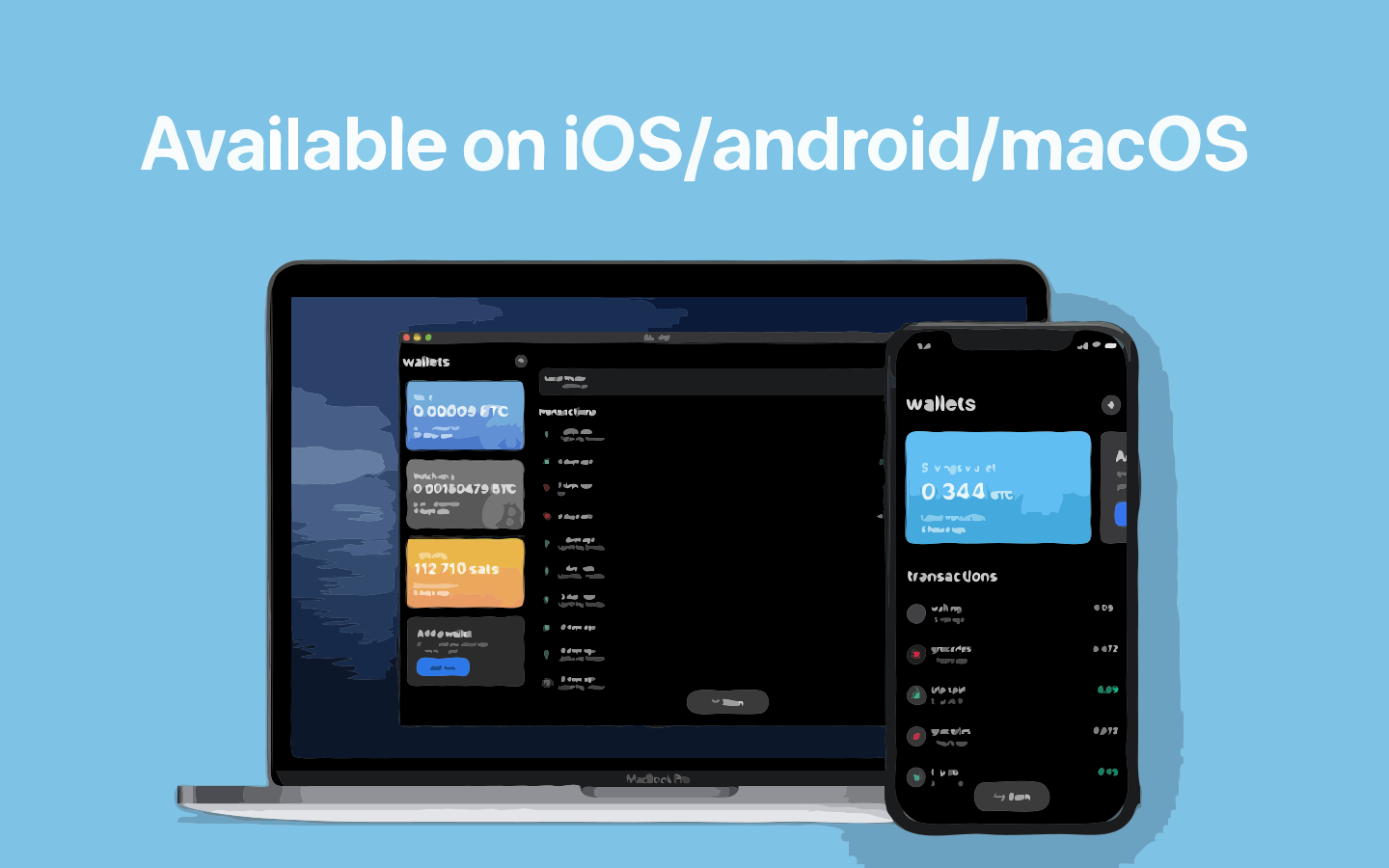
BlueWallet support for mobile app access, Bitcoin balance sync, Lightning wallet behavior, restore mismatch, recovery phrase safety, and backup planning.
 Hot wallet
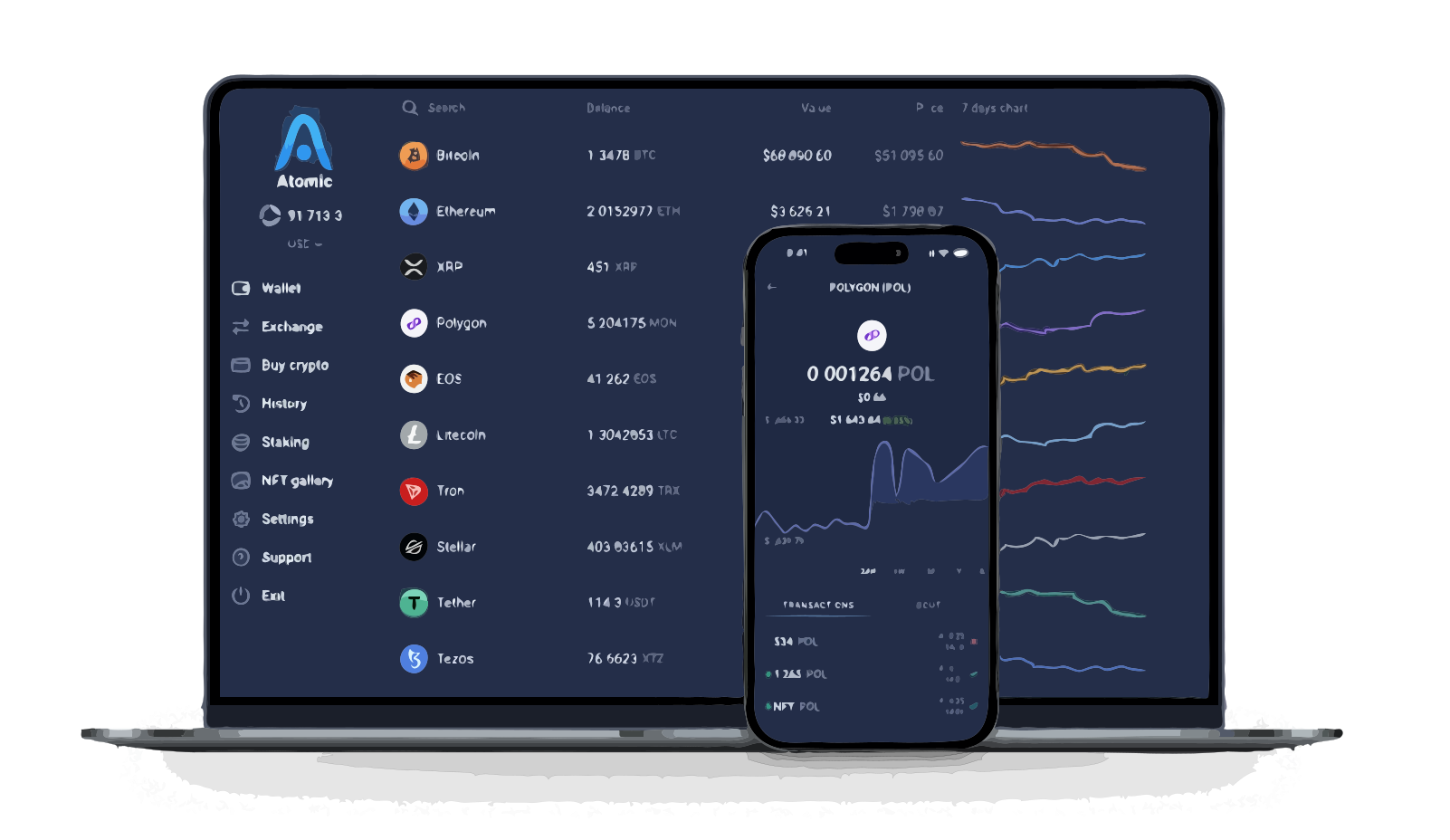
Atomic Wallet support for desktop and mobile app launch issues, sync delays, asset visibility, restore mismatch, wallet access issues, and recovery phrase safety.
Wallet comparisons
Comparison pages belong deeper in the directory, where users can evaluate custody model, device or app experience, recovery responsibility, and official-source checks.
Two flagship hardware ecosystems: open-source posture, apps, and signing flow.
Compare WalletsBrowser-first versus mobile-first hot wallets for everyday chains.
Compare WalletsPolished portfolio apps and multi-asset hot wallet tradeoffs.
Compare WalletsClassic hardware line vs portable, app-forward device workflows.
Compare WalletsCold storage discipline compared with connected-app convenience.
Compare WalletsA practical shortlist before you buy a cold-storage device.
Compare WalletsBeginner support directory
Short guide routes for users learning wallet basics before choosing, creating, restoring, connecting, or buying.
Understand how recovery phrases restore wallet access.
Open HelpChoose between device custody and app-based hot wallets.
Open HelpCheck what phrase length means for wallet recovery.
Open HelpStart with the wallet style that fits your first setup.
Open HelpBrowse brands, categories, and comparisons here. Use the homepage when you need issue-first recovery, troubleshooting, or problem-report routing.